Move from Graylog logs to actions in seconds
Graytool injects instant action buttons into Graylog so incident responders can jump to admin panels, user records, or internal tools without leaving the timeline.
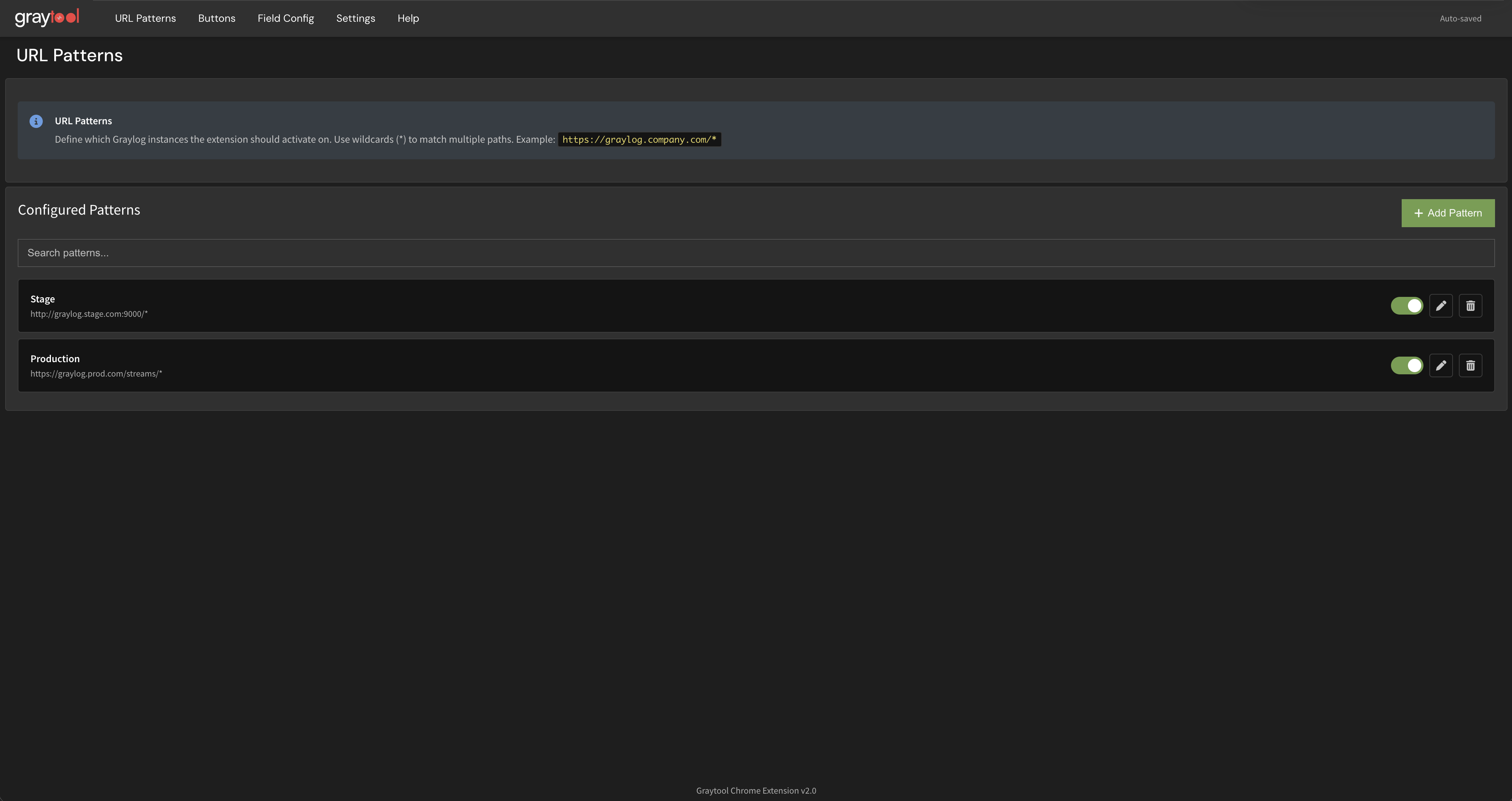
Built for speed inside Graylog
Replace copy-paste workflows with one-click actions. Graytool keeps you focused on incident response.
Smart URL Templating
Bind fields to internal tools and jump with one click. Use templates to construct dynamic URLs from log data.
Field Auto-Detection
Parse JSON, data attributes, and DOM patterns instantly. Graytool discovers available fields automatically.
Conditional Buttons
Show actions only when fields match your criteria. Define visibility rules based on log content.
Message Inspector
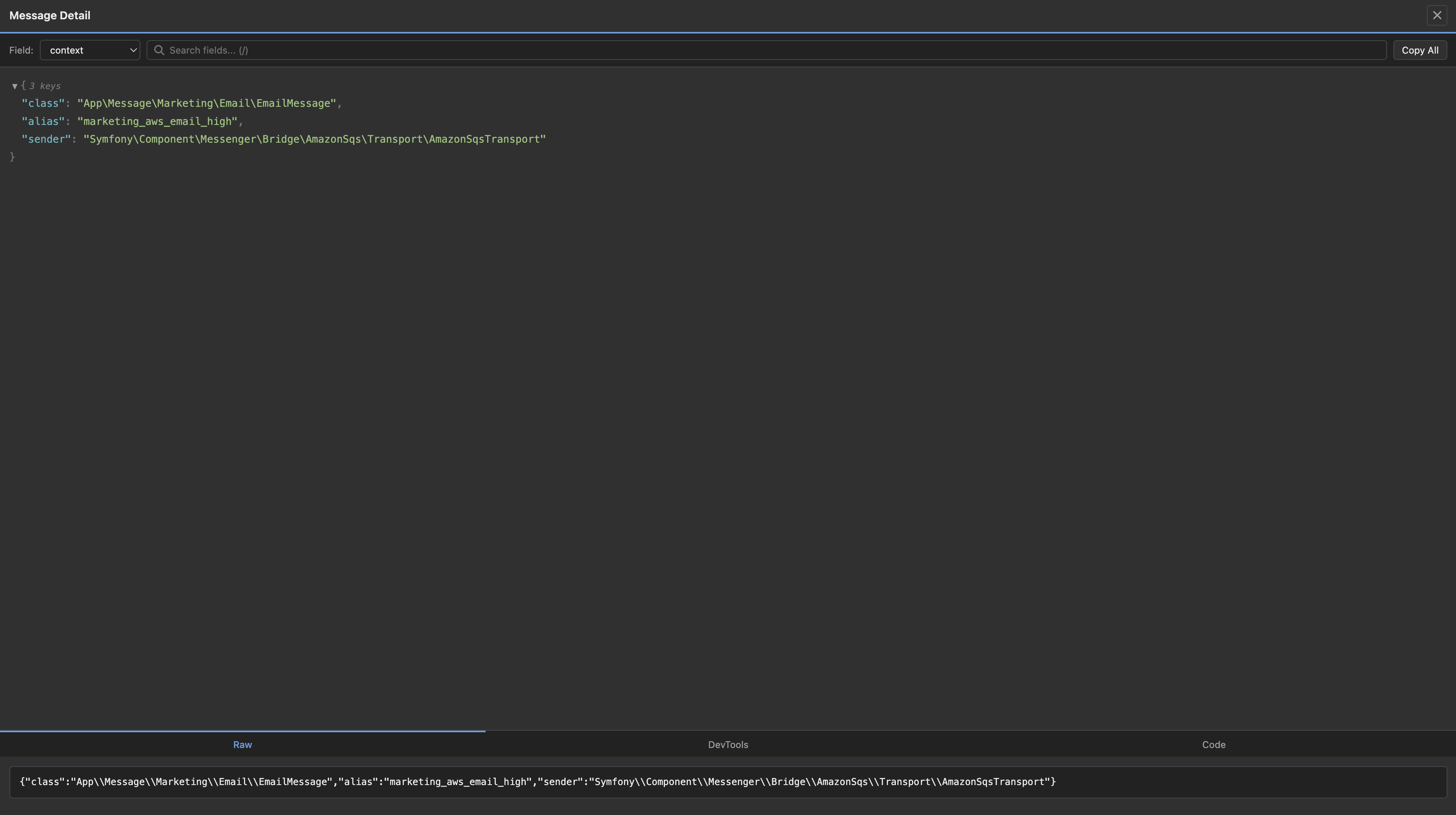
Review payloads in a clean, readable viewer. Inspect structured JSON with syntax highlighting.
Config Export
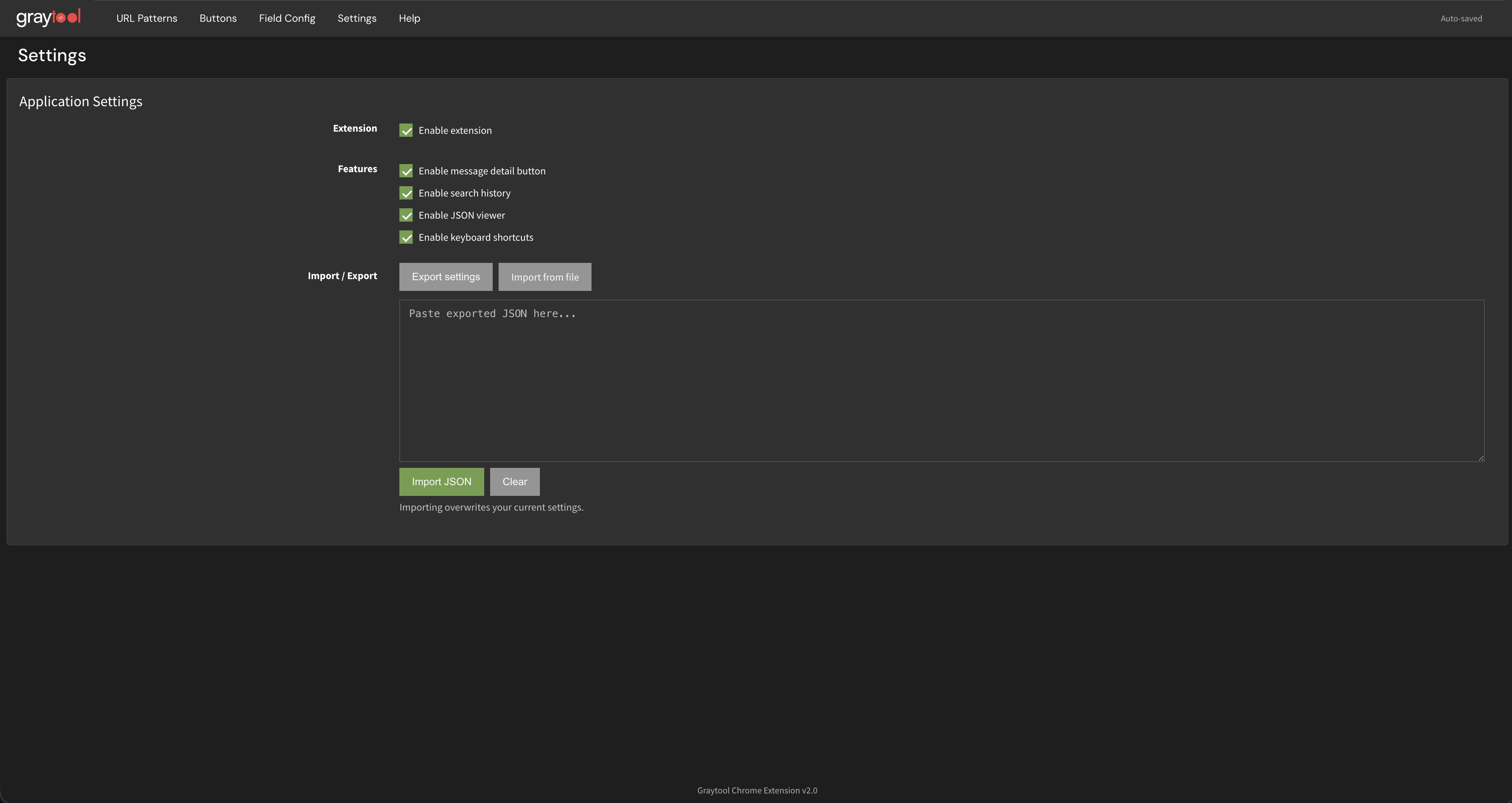
Import and export presets between environments. Share button configurations with your team.
Local-only Storage
Configurations stay in your browser. No external data sync by default. Your data remains private.
How It Works
Get started in minutes with three simple steps
Install Extension
Add Graytool from the Chrome Web Store. It works immediately with no setup required.
Configure Buttons
Define URL patterns and button templates. Map log fields to your internal tools.
Take Action
Click action buttons directly in Graylog rows. Jump to admin panels instantly.
Extension Screenshots
Captured inside Graylog with Graytool enabled
Ready to elevate your Graylog workflow?
Install the Chrome extension and start saving time on incident response today.
Latest Releases
Stay up to date with the latest changes and improvements
Loading releases...